¶ 1. Overview
The Bank Journal Report provides a chronological listing of all transactions posted to a specific bank account. It is used for:
- Bank reconciliation
- Reviewing deposits, withdrawals, and adjustments
- Auditing bank‑related G/L activity
- Verifying client/matter allocations
- Month‑end and year‑end financial reporting
The report lists each transaction with its G/L posting, entry total, and running balance.
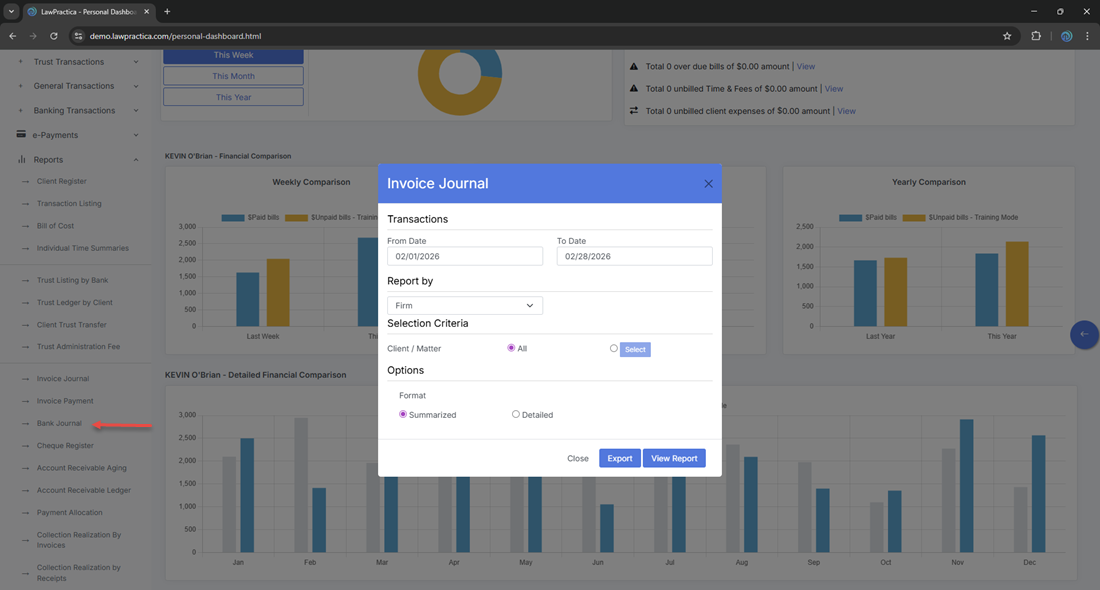
¶ 2. Report Window (Filters)
The modal contains the following sections:
¶ 2.1 Report Year
Defines the fiscal year range for the report.
- From: 01/01/2026
- To: 12/31/2026
This ensures the report pulls transactions only from the selected reporting year.
¶ 2.2 Date Range
Defines the specific transaction period within the reporting year.
- From Date: 02/01/2026
- To Date: 02/28/2026
This allows users to narrow the report to a specific month or period.
¶ 2.3 Selection Criteria
¶ Bank Account
Dropdown list of bank accounts.
- Default: All
Users may select a specific bank account (e.g., 10010) to generate a focused journal.
¶ 2.4 Audit Range
¶ Audit From / Audit To
Numeric range used to filter transactions by audit number.
- Audit From: 1
- Audit To: 9,999,999
This is useful for tracing specific entries or investigating audit trails.
¶ 2.5 Actions
Buttons at the bottom of the modal:
- View Report — Generates the report
- Export — Exports the generated report
- Close — Closes the window
¶ 3. Report Output
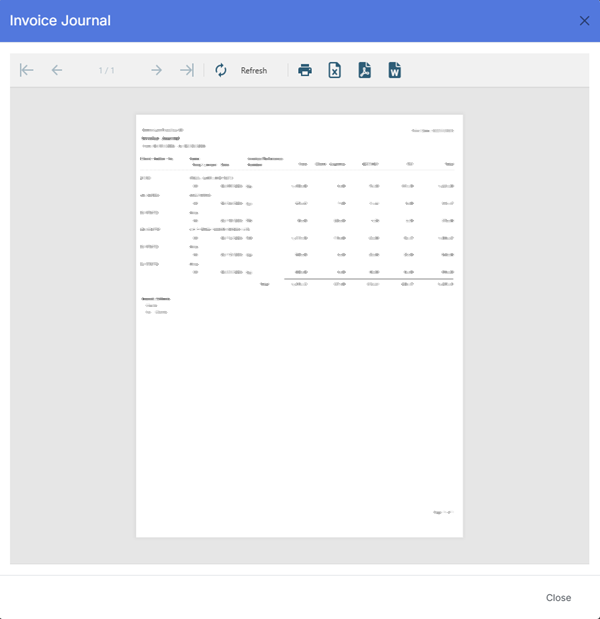
- Once generated, the report displays all bank transactions for the selected account and date range.
¶ 3.1 Header Information
Displayed at the top of the report:
- Print Date: 02/27/2026
- Report Title: Bank Journal – 10010 (or selected bank account)
- Firm Name: Demo‑LawPractica‑BC
- Date Range: 2/1/2026 to 2/28/2026
¶ 3.2 Report Columns
The Bank Journal Report includes the following columns:
| Column | Description |
|---|---|
| Client Matter | Client/matter reference associated with the transaction (if applicable) |
| G/L | General Ledger account number posted to |
| Description | Summary of the transaction (deposit, withdrawal, adjustment, etc.) |
| Trans Date | Date the transaction was posted |
| Entry Total | Total amount of the transaction |
| or G/L No | Alternate display of G/L number depending on transaction type |
| Running Bal | Running balance of the bank account after each entry |
These fields provide a complete financial and audit‑ready view of bank activity.
¶ 4. Export Options
Available export formats:
- Excel
- CSV
Exports preserve the report structure and respect all applied filters.
¶ 5. Best Practices
- Use Report Year to ensure compliance with fiscal reporting periods
- Narrow the Date Range for month‑end reconciliation
- Select a specific Bank Account when preparing reconciliation packages
- Use Audit From / To to trace or investigate specific entries
- Export to Excel for deeper financial analysis
- Review Running Bal to confirm bank account accuracy
¶ 6. Summary
The Bank Journal Report provides a detailed, chronological listing of all bank transactions, including G/L postings, client/matter links, entry totals, and running balances. It supports reconciliation, financial reporting, and audit requirements.
This report is essential for maintaining accurate bank records and ensuring financial integrity.